
Bathroom renovation: budget and 2D floor plan
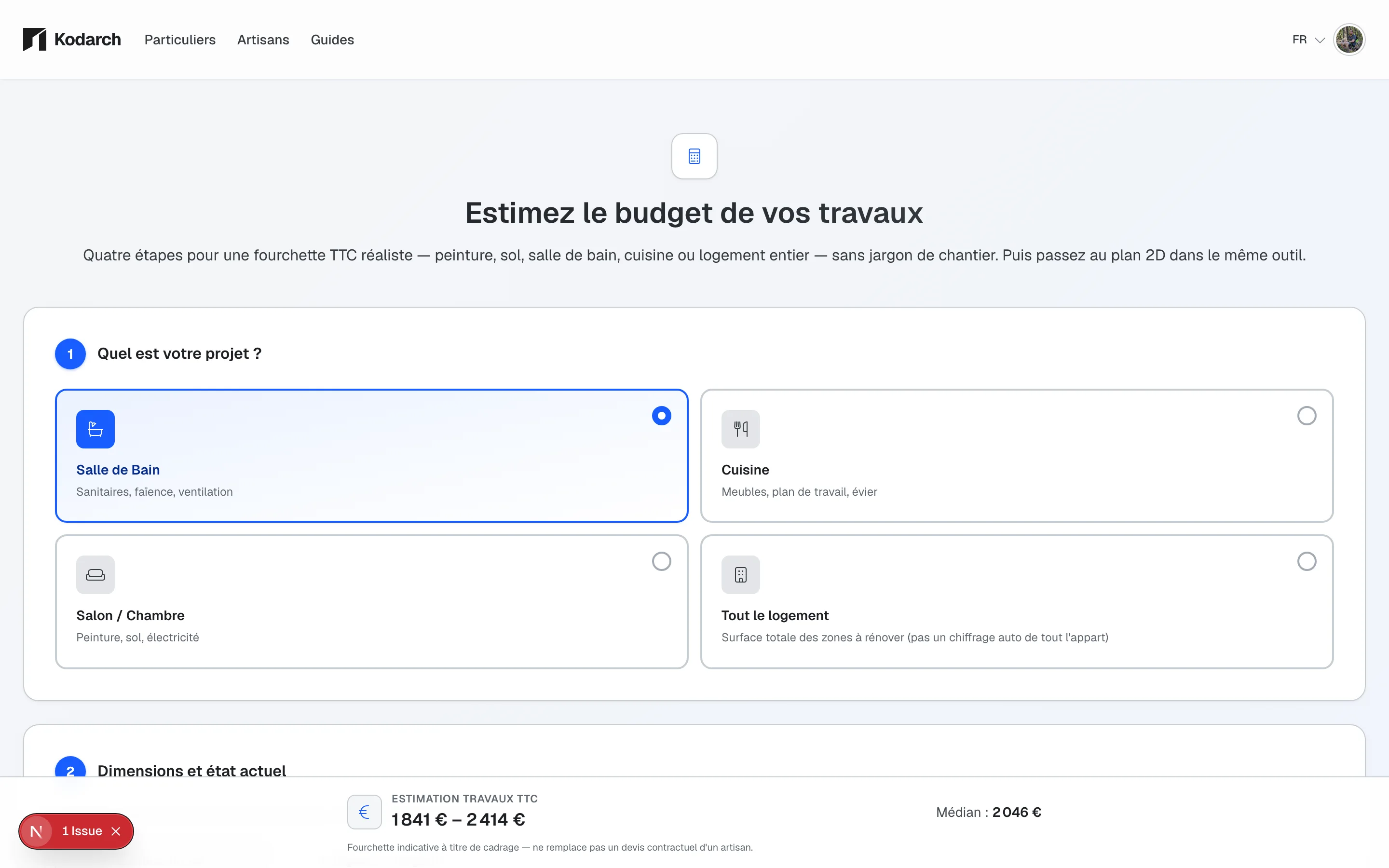
Before requesting quotes from a plumber or tiler, scope your project: area in m², sanitary items (shower, basin, tiles) and a realistic budget range. Kodarch combines a renovation calculator and floor plan editor to visualise the renovated room: no commitment required, on phone or desktop.
- VAT-inclusive range based on area, finish level and sanitary packs
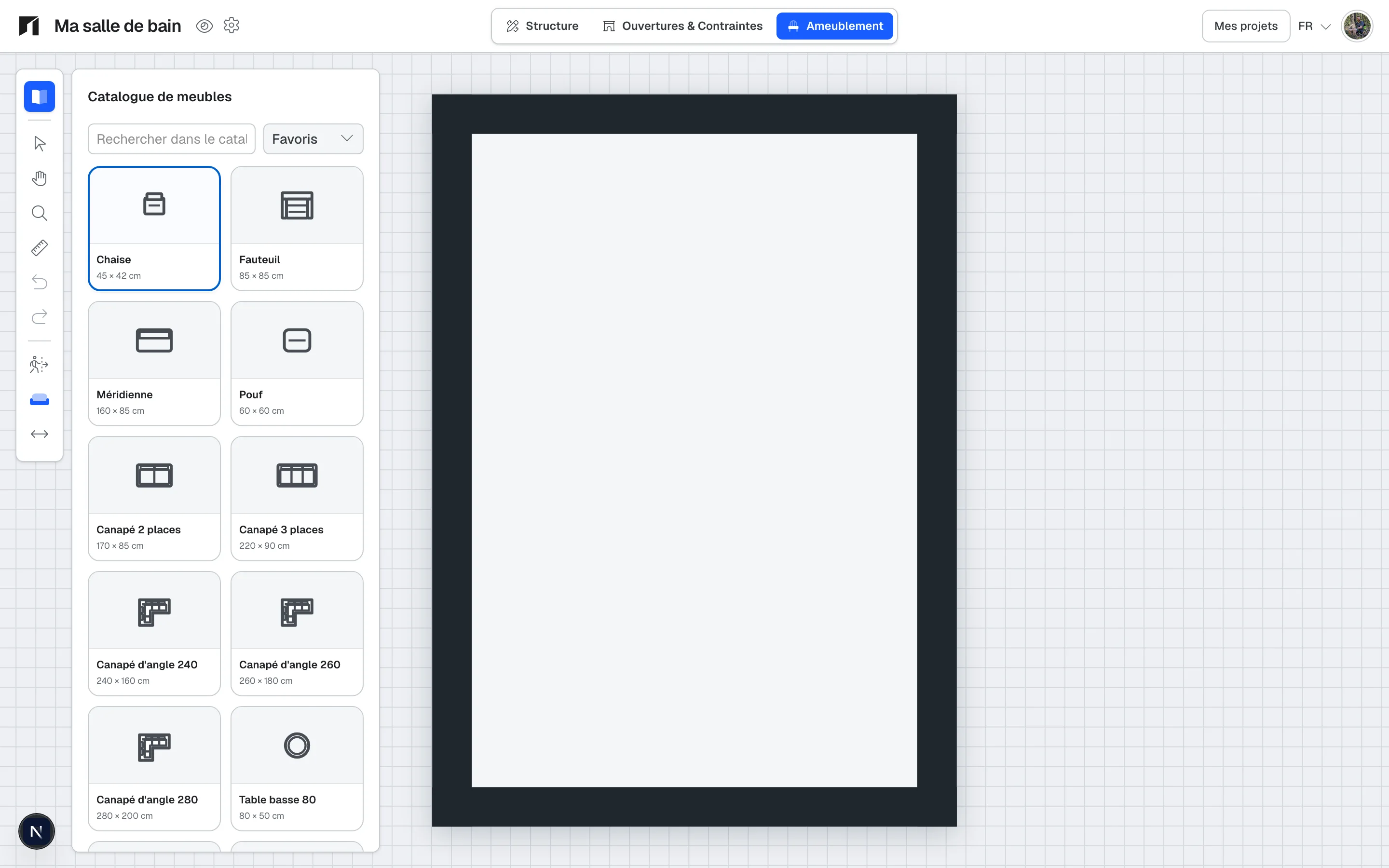
- 2D floor plan with openings, dimensions and usable areas
- Go straight from the estimate to creating the room in the editor
- PDF export to share the project with a tradesperson or your partner
How it works
1
Estimate the budget
Enter the area, current condition and finish level. Select items (tiling, sanitary ware, painting, flooring…) for an indicative VAT-inclusive range.
2
Create the plan
Carry the dimensions into the 2D editor: walls, doors, windows. Place shower, basin or bathtub to check clearances.
3
Refine the layout
Adjust dimensions to the centimetre, try several layouts and keep a shared reference for the whole household.
4
Share or export
Export a PDF technical file or send a link to a tradesperson for more accurate quotes: without redoing the survey.
What Kodarch helps you do for your bathroom
- Get an indicative estimate (not a legal quote) to frame the budget before appointments
- Visualise the room in 2D with floor areas and wall dimensions
- Place sanitary fittings and check clearances before ordering
- Import a PDF plan or photo to start from what exists
- Compare layout variants without moving real furniture
- Share a clear document (PDF or link) with tradespeople and family
Concrete scenarios
Full renovation
You are redoing floor, walls and fittings: estimate the overall range, then draw the new layout (walk-in shower, vanity unit).
Shower replacement
You keep the walls but replace the bathtub with a shower: check footprint and dimensions before the plumber arrives.
Preparing quotes
You want to compare 2-3 tradespeople: start from a dimensioned plan and a shared budget envelope for more consistent quotes.
Frequently asked questions
Everything you need to know before creating your plan or estimating your renovation budget.
Does the calculator replace a plumber or tiler quote?
No. Kodarch provides an indicative VAT-inclusive range based on area, finish and selected items. It helps frame the project before you request firm quotes from professionals.
Can I start without creating an account?
Yes. You can launch the bathroom calculator and create a first plan without signing up. An account lets you save and return on mobile or desktop.
Are areas and dimensions accurate enough?
Measurements are designed to prepare a quote or site visit. They remain indicative until validated on site by a qualified professional.
Can I share my plan with my tradesperson?
Yes. Export a PDF file with the plan, areas and dimensions, or use link sharing depending on your project flow.
Does Kodarch work on smartphones?
Yes. You can estimate and capture dimensions on your phone, then refine the layout on a larger screen.
Go further
Ready to scope your bathroom?